

AI architecture tools serve different tasks: comparing site options, generating early layouts, exploring images or editing presentation material. Choose them by the decision they help you make and by the checks their output still requires.
This comparison uses published vendor capabilities checked in October 2026. Pricing, entitlements and available features can change, so confirm them before purchase.
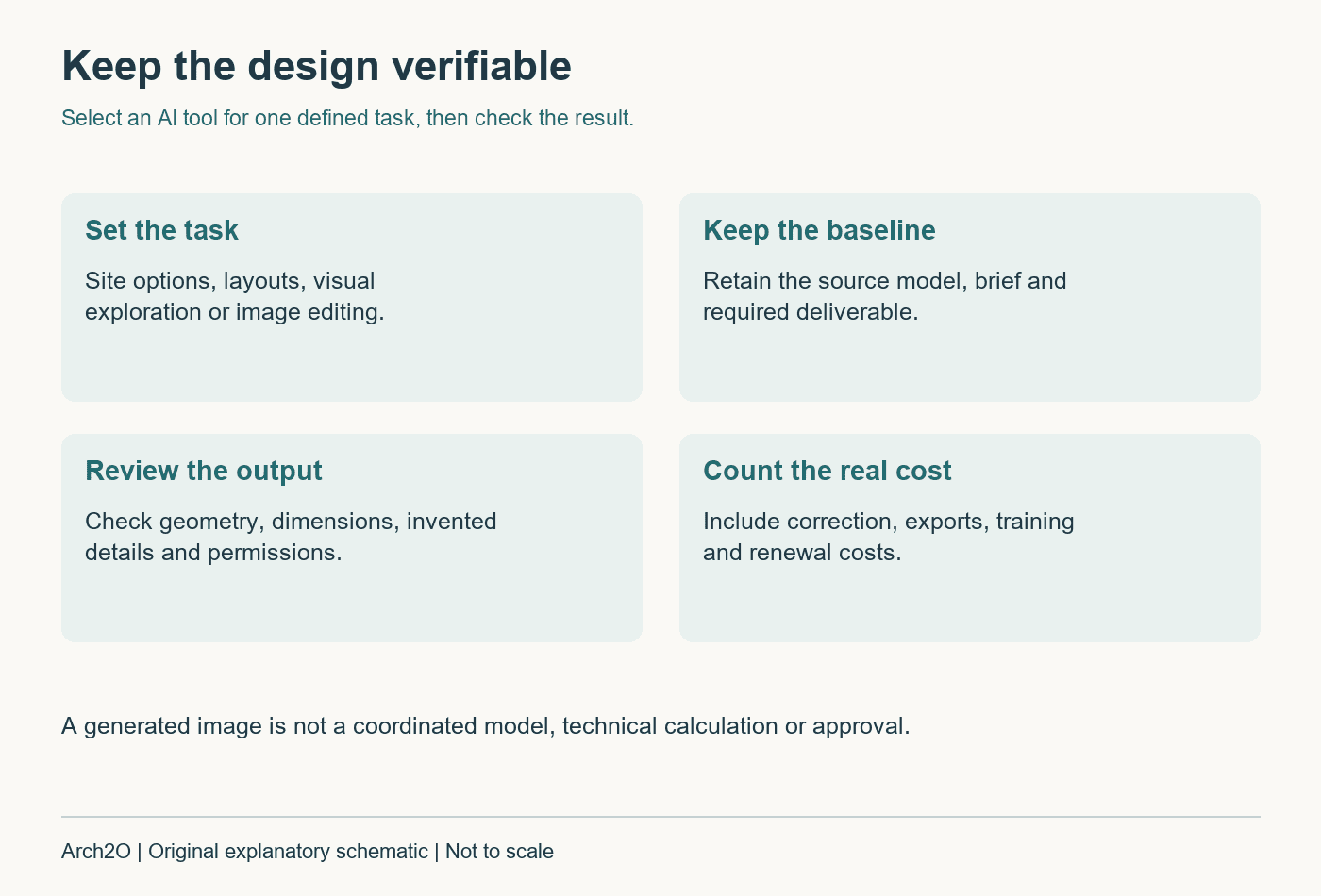
Choose the workflow before choosing the tool
| Task | Tool to investigate | What the output cannot establish alone |
|---|---|---|
| Early site and massing studies | Autodesk Forma Site Design | A completed technical design or planning approval |
| Real-estate feasibility layouts | TestFit | Verified local compliance or project viability |
| Model-based image exploration | Chaos Veras | Faithful geometry and buildable details |
| Presentation image editing | Adobe Firefly | Accuracy of the represented building |
| Concept imagery | Midjourney | A coordinated model or drawing set |
| Residential layout exploration | Maket | A permit-ready, checked house design |
Autodesk Forma Site Design: early options in context
Forma Site Design supports pre-design and schematic work, including the exploration of sites and building options. It belongs early in the process, where a team is comparing relationships rather than issuing construction information.
Begin with a checked site boundary and context. Record the assumptions behind each comparison, then carry the selected option into the appropriate modelling and documentation workflow. Our site-analysis guide helps define the questions the software should answer.
TestFit: feasibility and editable site layouts
TestFit focuses on real-estate feasibility, site planning and option evaluation. Its published workflow connects layouts with development assumptions and supports exchanges with other design tools.
A useful trial uses a real but non-confidential test site, the intended unit mix and stated parking or access assumptions. Compare the result with an independently checked baseline. A generated layout does not establish that local zoning, access, servicing or the business case has been approved.
Chaos Veras: visual exploration from a model
Veras generates images from design inputs and prompts. It can help a team explore atmosphere and material direction, but generated geometry and detail can depart from the underlying model. Controls and workflows also vary by engine version.
Compare doors, windows, floor edges, circulation and structural elements against the source. Label an exploratory image appropriately. For a focused workflow, see our Veras rendering guide; keep the coordinated model as the record of the design.
Adobe Firefly: editing presentation images
Adobe Firefly provides generative image and editing tools. For architecture, a useful role is exploring a presentation treatment or editing non-design content while retaining a controlled source image.
Keep a copy before editing and review what changed. If an edit modifies an opening, material joint or neighbouring building, it can alter the meaning of the image. Check the terms for the particular model and feature used; the Firefly environment includes different models, and a product name is not a blanket rights clearance.
Midjourney: concept imagery with clear limits
Midjourney can help explore visual directions and communicate a mood. Its images can suggest spatial or material ideas, but they are not dimensioned, coordinated evidence that a building works.
Use a concept image to start a discussion, then redraw and test the idea in the design workflow. Review the current terms of service, including privacy, account and commercial-use conditions, before uploading client material.
Maket: exploring residential floor plans
Maket describes a residential workflow for generating and refining plans and visualisations. It can provide alternatives to discuss at the beginning of a project.
Check the resulting plan against the actual site, room dimensions, daylight, access, structure and local requirements. Compare the layout with the principles of residential architecture rather than selecting an option solely because its image looks complete.
A repeatable way to evaluate an AI tool
- Define one task: for example, compare two massing options or test three material palettes.
- Prepare a baseline: keep the same site, model, brief and required output.
- Record inputs: software version, prompt, assumptions and significant settings.
- Inspect errors: geometry, dimensions, invented features and missing information.
- Count correction time: include exports, redraws and human review.
- Check permissions: client confidentiality, image rights, commercial terms and retention.
- Decide whether to keep it: judge the verified result and total cost, not just generation speed.
What should remain outside an unverified AI output?
Do not treat a generated image or plan as structural, fire, accessibility, energy or planning approval. Those decisions need competent review and the applicable evidence. A convincing image can be useful without being a reliable technical record.
For procurement, our architecture software budget guide includes training, review and renewal costs. For the underlying modelling environment, start with our architecture software comparison. The best addition is the tool that improves a defined task without making its result harder to verify.

Aly Bayoumi is an editor with a sharp eye for detail and a deep commitment to clarity and precision. Passionate about architecture and design, he sees every project as an opportunity to shape compelling narratives that bring creative visions to life. With a focus on accuracy and engaging storytelling, Aly combines editorial expertise with a dedication to elevating the voices and ideas that shape the built environment.