

The safest free resume architect template is one from an official source whose terms you can read: Google Docs and Microsoft Word include free résumé templates, Canva offers free and paid designs, Overleaf hosts LaTeX CV templates under stated licences, and specialist sites such as Freesumes offer designs for personal use. This guide is for architecture students and graduates. We re-checked the sources in October 2026, removed old download links to file-sharing sites, and explain what an architect’s résumé needs, what format to send, and what each template source allows.
First impressions count. Your résumé or CV is often the first thing an employer sees, so its content and layout both matter. Content comes first, but a clear structure makes that content easy to read. If you are starting out, see how to find architecture jobs with no experience, and if practice is not your goal, the careers you can pursue beside architecture.
Formatting a résumé from scratch takes time that is better spent on content, on your network and on contacting employers. A good template gives you a head start. Our tips to find employment in architecture cover the job search itself, and it helps to know how much architects actually earn before you negotiate.

What an architect’s résumé should include
Whatever resume architect template you choose, the content for an architecture role is fairly standard:
- Contact details and a link to your portfolio. Your architecture portfolio does the visual work; the résumé points to it.
- A short profile of two or three lines stating your level, strengths and the role you want.
- Professional status: for example your stage towards registration (such as UK Part 1/Part 2 or progress in the US Architectural Experience Program), stated accurately.
- Experience by project: for each job, the practice, dates, and two or three projects with building type, size or value where you may share it, and your role and work stages.
- Software and skills: for example Revit, Rhino, AutoCAD, the Adobe suite and visualisation tools, with an honest level for each.
- Education, awards and exhibitions.

DO
- Use a clear, standard typeface at a readable size (body text around 10–12 pt).
- Keep generous margins and consistent spacing.
- Open with a short profile that states your skills and goals.
- Tailor the résumé to each job, matching the requirements in the advert.
- Send a PDF unless the employer asks for another format, and name the file clearly (for example, Firstname-Lastname-CV.pdf).
DON’T
- Overload the page with colours, effects or italics.
- Let it run long: for most graduates one or two pages is enough, with the portfolio carrying the images.
- Put key text inside images or complex graphics; many employers use applicant tracking systems that read text only.
- Skip the cover letter when one is expected; it is your chance to explain why this practice.
- Exaggerate. Overstated roles or skills tend to surface in the interview or the first weeks on the job.
Once you have a degree, school-level education usually adds little; use the space for projects, skills and extracurricular work that shows initiative.
Remember what the résumé is for: getting you to the interview, where you will talk through your projects and portfolio in person.
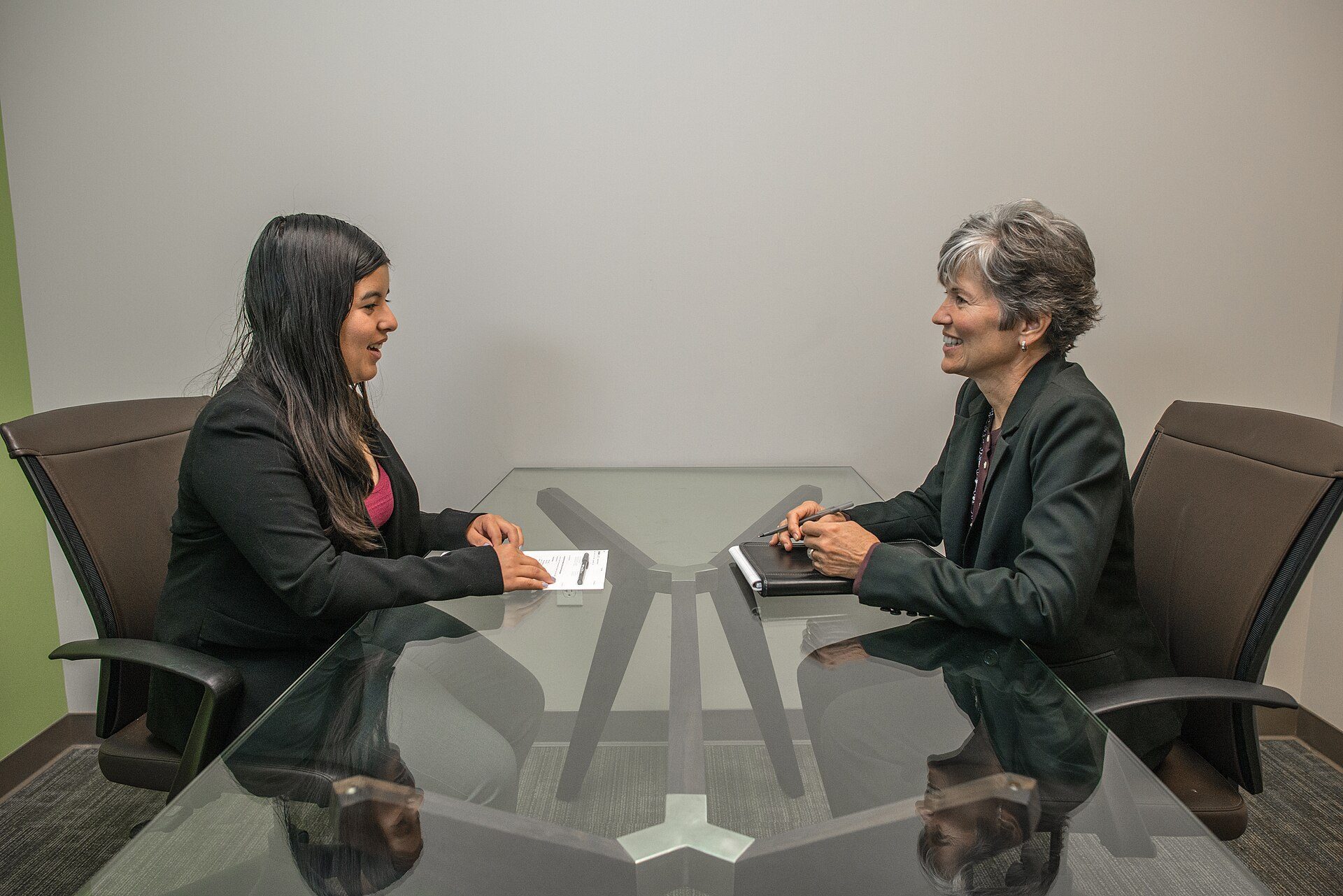
A job interview: the step a clear, tailored résumé is meant to win. Photo: Amtec Photos (amtec.us.com), CC BY-SA 2.0, via Wikimedia Commons. Amtec Photos, source, CC BY-SA 2.0

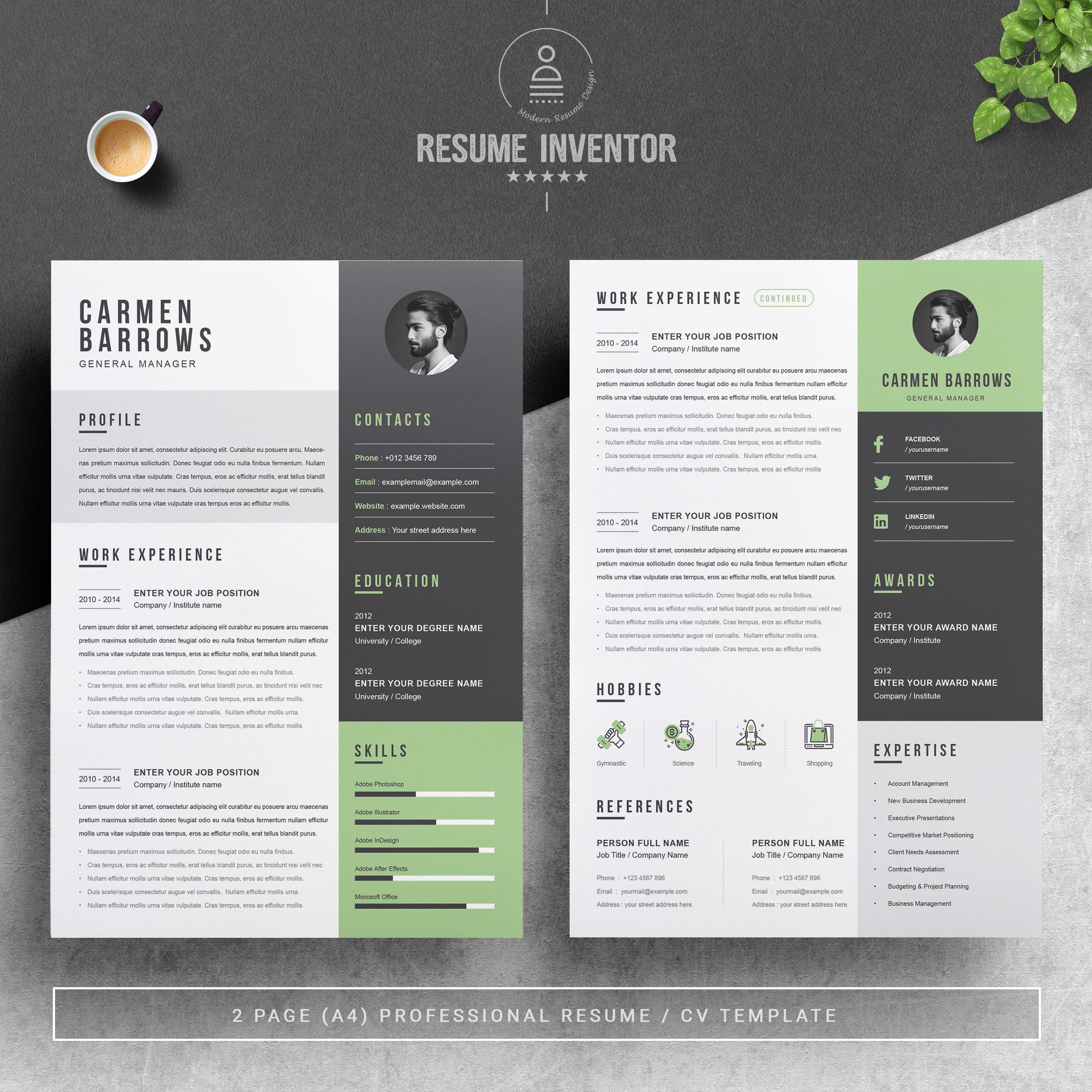
AI PSD DocX
Where to find a free resume architect template
The sources below are official sites. For each, we note what you get, the file format and the licence or terms to check, as of 24 October 2026.
1. Google Docs template gallery
With a free Google account, open Google Docs and choose the template gallery; the Résumé section has several clean, editable layouts. You can download your finished file as PDF or Word, as library guides such as the New York Public Library’s résumé templates guide explain. Best for: quick, text-based résumés that read well in applicant tracking systems.
2. Microsoft Word templates
Microsoft offers free résumé and cover letter templates for Word, and further premium templates with a Microsoft 365 subscription, according to the same NYPL guide. Files are .docx and can be exported to PDF. Best for: practices that ask for Word documents.
3. Canva
Canva’s résumé templates are edited online, with many free designs and some that require a paid plan. Downloads are in PDF, JPG or PNG. Check Canva’s licence terms for template use, and remember that heavily graphic layouts can be harder for applicant tracking systems to read. Best for: visually designed one-page résumés.

© Mats-Peter Forss
4. Overleaf (LaTeX)
The Overleaf CV and résumé gallery hosts hundreds of LaTeX templates. There is no single licence: each template shows its author’s terms, ranging from the permissive MIT licence to non-commercial Creative Commons licences. Best for: precise typography and academic CVs, if you are comfortable with LaTeX.

5. Freesumes and other designer sites
Specialist sites such as Freesumes offer designed templates in Word and other formats free for personal use; their terms generally forbid reselling or redistributing the files. Many designers also share templates in Illustrator (AI) or Photoshop (PSD) format on portfolio platforms; always download from the designer’s own page and read the licence there. For more design-oriented résumé ideas and free downloads, and for portfolio layouts, see our related articles.

| Source | What you get | Formats | Cost / account | Licence or terms | Best for |
|---|---|---|---|---|---|
| Google Docs template gallery | Editable résumé layouts | Google Doc; export PDF, DOCX | Free Google account | Google terms of service | Text-based, ATS-friendly résumés |
| Microsoft Word templates | Résumé and cover letter templates | DOCX; export PDF | Free; premium with Microsoft 365 | Microsoft terms | Practices that ask for Word files |
| Canva | Designed résumé templates | PDF, JPG, PNG | Free account; some templates paid | Canva licence terms | Graphic one-page résumés |
| Overleaf | LaTeX CV templates | LaTeX source; PDF | Free account | Per template (e.g. MIT, CC BY-NC-SA) | Precise typography, academic CVs |
| Freesumes | Designer templates | DOCX and others | Free | Personal use only; no redistribution | Designed layouts in Word |
Source: NYPL résumé templates guide; Canva, Overleaf and Freesumes pages (as of 24 October 2026).
How we checked these sources
The earlier version of this page listed 30 individual templates, most linked through file-sharing services such as Mediafire, Dropbox, Gumroad or Dribbble attachments, with no clear licence. On 24 October 2026 we removed those links: we could not confirm that the files were still online, safe, or offered by their designers under terms that allow reuse. We kept only official template sources whose terms pages can be read, and we did not rehost any files. We did not test downloads; check each template’s terms before you use it.

© Mats-Peter Forss
Choosing your template
For most architecture applications, start from a simple text-based template in Google Docs or Word, add a clear link to your portfolio, and send a PDF. Use a more graphic layout from Canva or a designer site only if it stays readable and you have checked its licence. The template matters less than what you put in it: specific projects, honest skills and a portfolio that shows your work.

Sources and further reading
- New York Public Library, Résumé templates guide.
- Overleaf CV and résumé gallery.
- Canva résumé templates.
Ibrahim Abdelhady is an architect, academic, and media entrepreneur with over two decades of experience in architecture and digital publishing. He is the Founder and CEO of Arch2O.com, a leading platform in architectural media, renowned for showcasing innovative projects, student work, and critical discourse in design. Holding dual PhDs in Architecture, Dr. Abdelhady combines academic rigor with industry insight, shaping both future architects and architectural thought. He actively teaches, conducts research, and contributes to the global architecture community through his writing, lectures, and media ventures. His work bridges the gap between practice and academia, pushing the boundaries of how architecture is communicated in the digital age.